WhatsApp Business API: Complete Setup Guide for Bangladesh
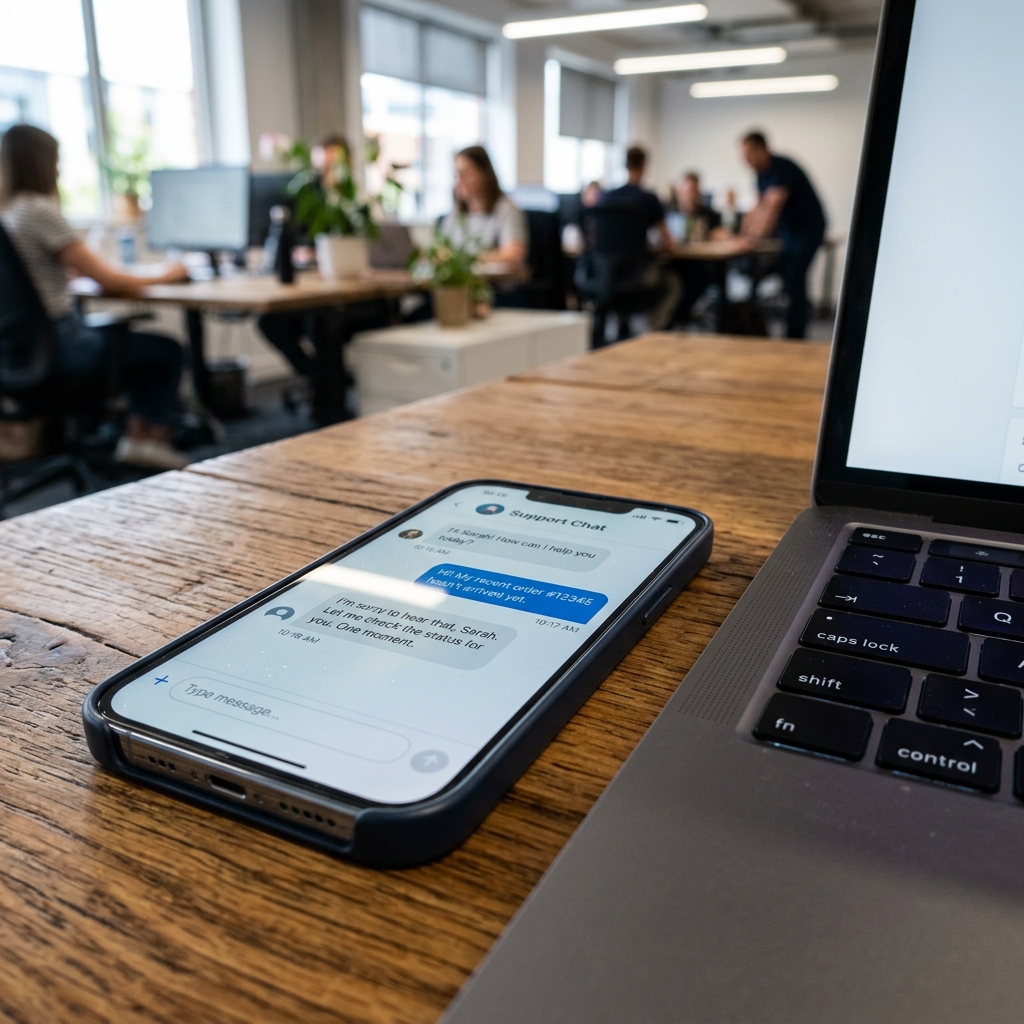
What is the WhatsApp Business API?
Unlike the standard WhatsApp Business App on your phone, the WhatsApp Business API is designed for larger operations. It allows you to connect multiple agents, automate chats with AI, send template broadcasts, and integrate with CRM platforms.
Requirements for Setup in Bangladesh
- A Facebook Business Manager account (verified preferred).
- A phone number that doesn't have an active WhatsApp consumer or business account.
- A valid business license or trade license (for verification).
Step-by-Step Setup Guide
Step 1: Set up Meta Business Manager
Make sure your Business Manager details match your Trade License. Go to Business Settings and navigate to WhatsApp Accounts.
Step 2: Connect via AutoZeniq
AutoZeniq offers an official embedded signup. Click "Connect WhatsApp" in your AutoZeniq panel, scan the Meta QR code, and complete the setup without needing a developer.
Step 3: Register your templates
To send outbound messages (broadcasts), you must register templates with Meta. AutoZeniq helps you submit templates for approval directly from the dashboard within minutes.
Automate 80% of Your Customer Support Today
Connect AutoZeniq's AI Agent with WhatsApp & Facebook Messenger in under 5 minutes. Start converting support chats into sales 24/7.
Frequently Asked Questions
Quick answers to common questions on this topic
- Meta WhatsApp Business API DocumentationMeta Platform Developers
- OpenAI API Reference & Fine-tuning GuideOpenAI Research
- Google Cloud AI & Vertex AI Best PracticesGoogle Cloud
Tariqul Islam
Verified AI ExpertAI Automation Specialist
Specializing in enterprise AI support agents, LLM integrations, and official WhatsApp Business API automation for growing businesses.
Recommended AI Articles
Securing Customer Data in E-commerce Automation: SSL Certificates and Best Practices
A comprehensive guide to customer data privacy, logical database isolation, encrypted credentials, and SSL best practices, based on our security guidelines.
Facebook Live to CRM Automation: Capturing Leads Instantly from Comments
Bangladesh has a booming live commerce market. Learn the backend logic of automatically capturing leads from comments and sending automated DMs during Facebook Lives.
Implementing AI Assistants for Customer Support: Reducing Response Time by 80%
Discover how training AI on your products and FAQs allows it to answer price, size, and shipping questions instantly, reducing customer support response times by 80%.