How to Bypass Facebook Messenger’s 24-Hour Messaging Window Using Custom Webhooks
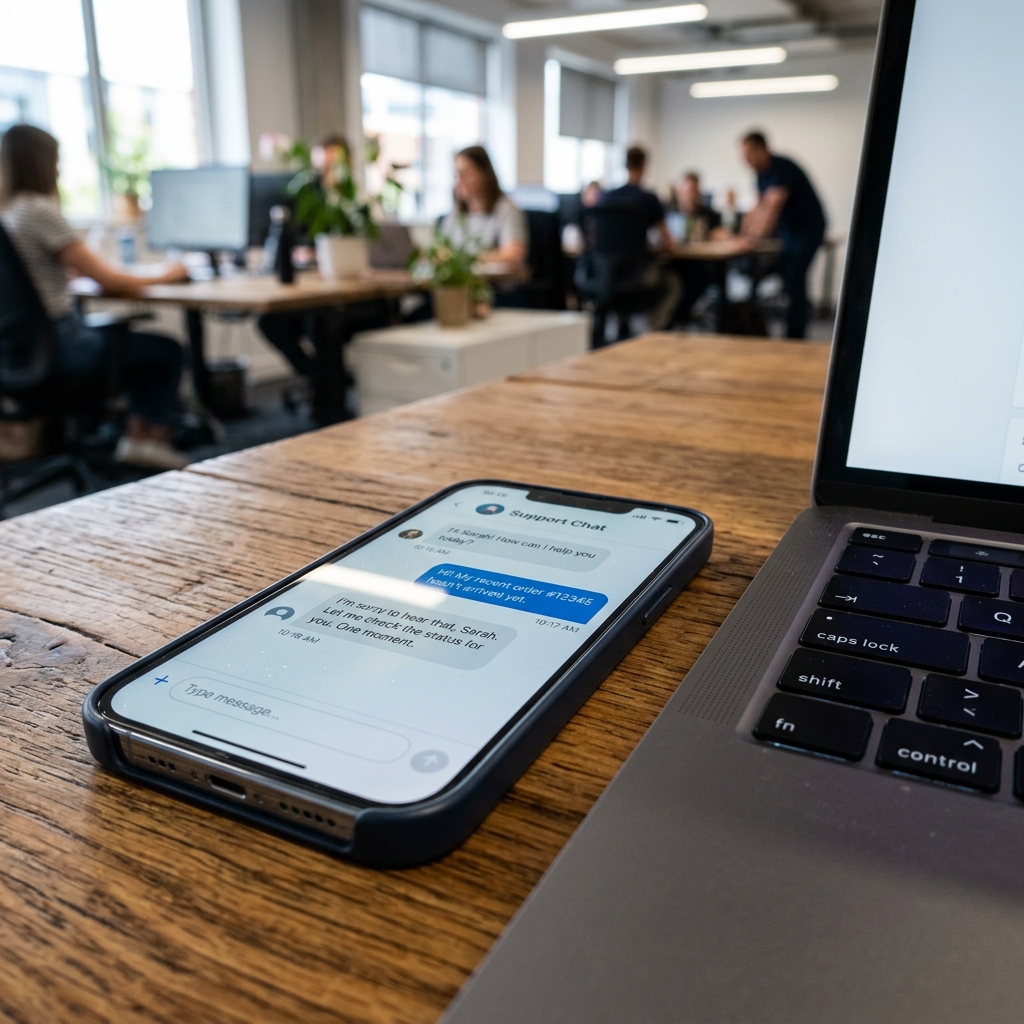
Understanding Meta’s 24-Hour Messaging Policy
To prevent spam, Meta restricts businesses from sending free-form messages to customers if more than 24 hours have passed since the customer's last interaction. Sending promotional content outside this window can result in your page getting banned. However, for transactional updates, you can securely send messages using custom webhooks and approved Message Tags.
1. Implementing Meta Message Tags
Meta allows four tags for messages sent outside the 24-hour window. These tags must be included in your API payload:
CONFIRMED_EVENT_UPDATE: For updates regarding booking dates or appointments.POST_PURCHASE_RECEIPT: For sending purchase receipts, invoices, and shipment tracking info.ACCOUNT_UPDATE: For alerting users about changes in their registration or profiles.HUMAN_AGENT: Allows human support agents to respond within 7 days (requires page approval).
2. Technical Code Integration
When sending a message payload using custom Node.js webhooks, specify the tag in the Graph API call:
{
  "recipient": { "id": "PSID" },
  "message": { "text": "Your order has been shipped!" },
  "messaging_type": "MESSAGE_TAG",
  "tag": "POST_PURCHASE_RECEIPT"
}
For more security and compliance guidelines, cross-reference our public Security and Compliance Documentation in the official AutoZeniq repository.
Automate 80% of Your Customer Support Today
Connect AutoZeniq's AI Agent with WhatsApp & Facebook Messenger in under 5 minutes. Start converting support chats into sales 24/7.
Frequently Asked Questions
Quick answers to common questions on this topic
- Meta WhatsApp Business API DocumentationMeta Platform Developers
- OpenAI API Reference & Fine-tuning GuideOpenAI Research
- Google Cloud AI & Vertex AI Best PracticesGoogle Cloud
Sabbir Rahman
Verified AI ExpertAI Automation Specialist
Specializing in enterprise AI support agents, LLM integrations, and official WhatsApp Business API automation for growing businesses.
Recommended AI Articles
Securing Customer Data in E-commerce Automation: SSL Certificates and Best Practices
A comprehensive guide to customer data privacy, logical database isolation, encrypted credentials, and SSL best practices, based on our security guidelines.
Facebook Live to CRM Automation: Capturing Leads Instantly from Comments
Bangladesh has a booming live commerce market. Learn the backend logic of automatically capturing leads from comments and sending automated DMs during Facebook Lives.
Implementing AI Assistants for Customer Support: Reducing Response Time by 80%
Discover how training AI on your products and FAQs allows it to answer price, size, and shipping questions instantly, reducing customer support response times by 80%.